> For the complete documentation index, see [llms.txt](https://ravins-organization.gitbook.io/ctf-writeups/llms.txt). Markdown versions of documentation pages are available by appending `.md` to page URLs; this page is available as [Markdown](https://ravins-organization.gitbook.io/ctf-writeups/2024/huntress-ctf-2024/miscellaneous/linux-basics.md).
# Linux Basics
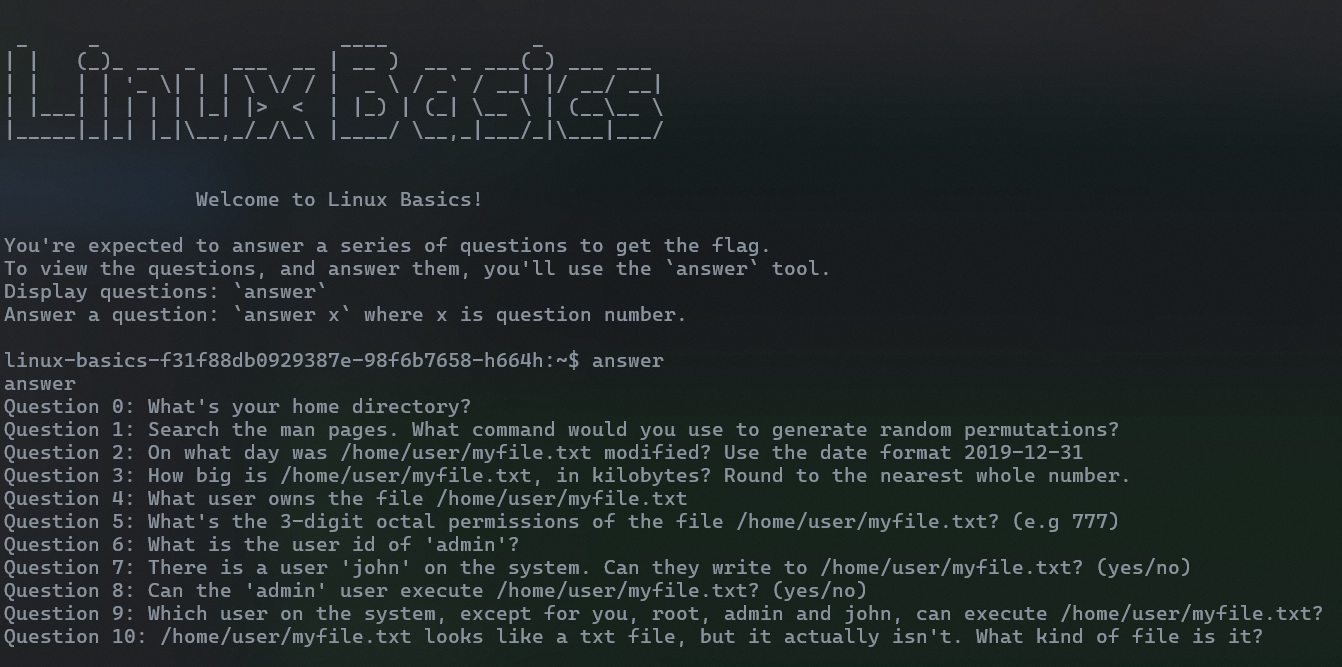
Welcome to Linux Basics! You're expected to answer a series of questions to get the flag. To view the questions, and answer them, you'll use the answer tool.
This was the given start screen and we have to answer a whole bunch of questions, so we will do them in order.
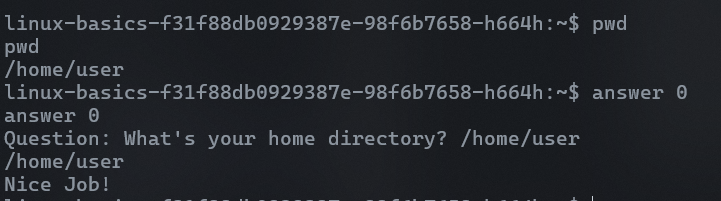
Answer 0
For question 1, it was about generating random permutations, after googling it, I saw it was shuf and I tried it.
Answer 1
For question 2, it asks for the modification date of myfile.txt, so I used ls -la to see the last modification date
Answer 2
For question 3 we can use the same command, we can see that the file size is 22200 bytes which is 22kb to the nearest whole number
Answer 3
For question 4 as well, we can use the same command to see that the user that owns the file is root
Answer 4
For question 5, we can use the permissions given to convert them to octal. The permssions were
`-rwxr-xr--` which converted to octal is done as below
Owner permissions (rwx):
Read (r): 4 Write (w): 2 Execute (x): 1 Total for owner: 4 + 2 + 1 = 7 Group permissions (r-x):
Read (r): 4 No write (-): 0 Execute (x): 1 Total for group: 4 + 0 + 1 = 5 Other permissions (r--):
Read (r): 4 No write (-): 0 No execute (-): 0 Total for others: 4 + 0 + 0 = 4
Thus giving us, 754
Answer 5
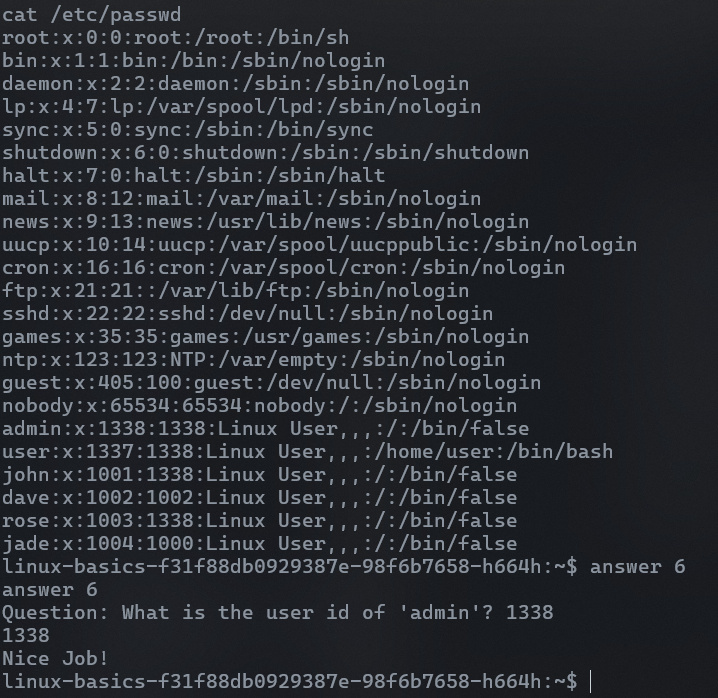
For question 6, we need to find the user id of 'admin', which we can solve with the command `cat /etc/passwd` to find the user id of admin to be `1338`
Answer 6
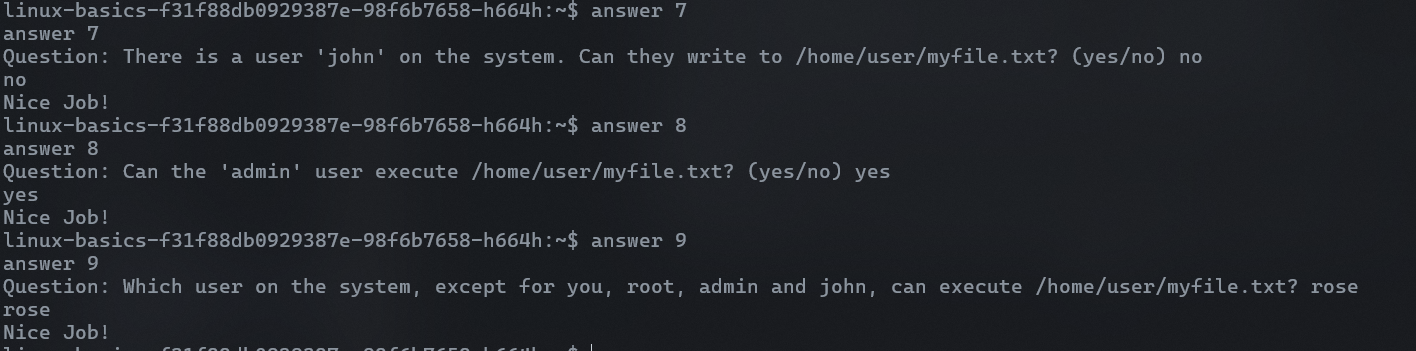
I will go through questions 7,8 and 9 all at once as they are mostly quite easy. For Question 7, john cannot write to /home/user/myfile.txt, answer 8 is yes as the admin user can execute the file and for answer 9, we refer back to our `cat /etc/passwd` and see that rose is the only other user that is in the admin group, thus it is rose.
Answer 7,8 and 9
For answer 10, we have to find what kind of file is myfile.txt. By using the `file` command, we can see that it is a jpeg file.
Answer 10
With this, we can get the flag. The flag is `flag{8873fe66f8e7a6019d7d71261864f6c5}`