> For the complete documentation index, see [llms.txt](https://ravins-organization.gitbook.io/ctf-writeups/llms.txt). Markdown versions of documentation pages are available by appending `.md` to page URLs; this page is available as [Markdown](https://ravins-organization.gitbook.io/ctf-writeups/2024/huntress-ctf-2024/scripting/echo-chamber.md).
# Echo Chamber
Author: @JohnHammond#6971 Is anyone there? Is anyone there? I'm sending myself the flag! I'm sending myself the flag!
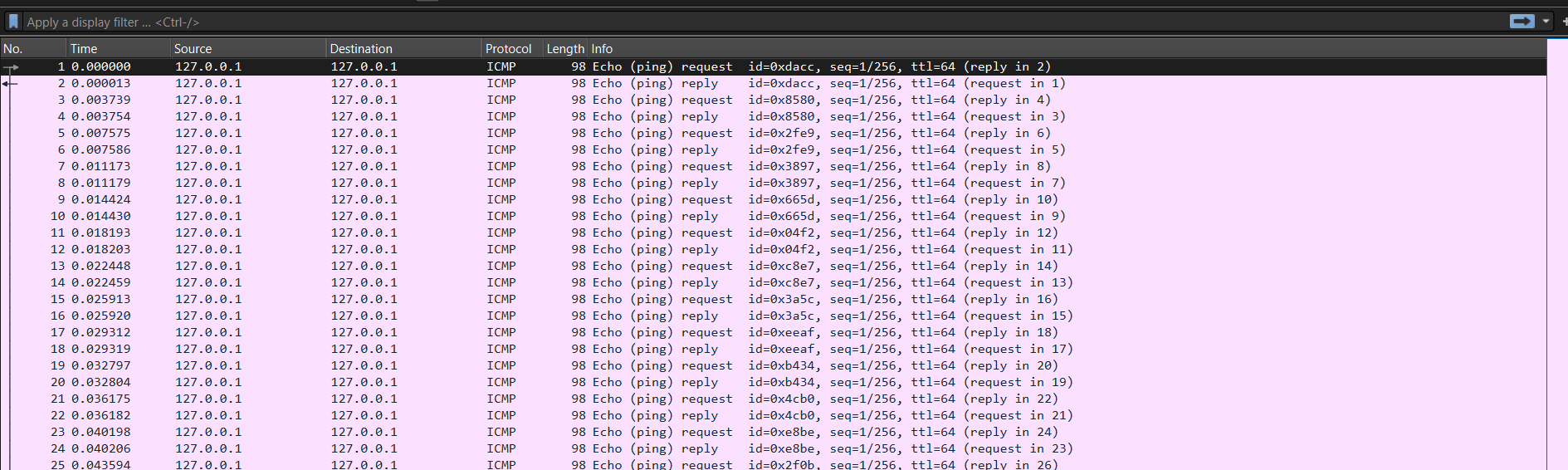
For this challenge, there was an attached pcap file. Which at first glance seems weird as all the packets are just ICMP packets.
echo_chamber.pcap
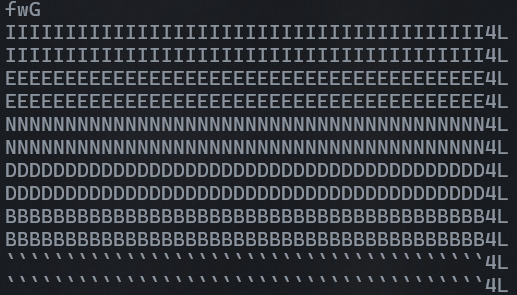
So first, I decided to strings it, and see what shows up. Thats when I saw an IEND chunk which usually belongs to a PNG file.
IEND chunk
So i decided to look further and saw that there is a PNG file header inside the pcap file. Now the question is how was i going to extract out the PNG data. Since there were 40 bytes per line and I only needed the first 2, I decided to write a script to take out only the first 2 bytes of each line and write it to a txt file.
```python
import subprocess
# Run tshark command to extract the first 2 bytes of data from each packet
command = ["tshark", "-r", "echo_chamber.pcap", "-T", "fields", "-e", "data"]
result = subprocess.run(command, capture_output=True, text=True)
# Process the output to get only the first 2 bytes of each line
extracted_bytes = [line[:2] for line in result.stdout.splitlines() if line]
with open("extracted_bytes.txt", "w") as file:
for byte_pair in extracted_bytes:
file.write(f"{byte_pair}\n")
print("Data successfully written to extracted_bytes.txt")
```
Using the above script, I can write 2 bytes of the data of each packet to a text file. However there is a problem with this which I did not realise, there are 2 lines of duplicated data. So I had to write another script to get rid of every alternate line.
```python
with open("extracted_bytes.txt", "r") as file:
lines = file.readlines()
# Keep only the odd-indexed lines (0, 2, 4...) which correspond to 1st, 3rd, 5th... lines
filtered_lines = [line for i, line in enumerate(lines) if i % 2 == 0]
with open("extracted_bytes.txt", "w") as file:
file.writelines(filtered_lines)
print("Every alternate line removed from extracted_bytes.txt")
```
After that, I obtain the final extracted\_bytes.txt which looks something like this
{% file src="/files/Cv2c50ldE4TAL5BJBE1T" %}
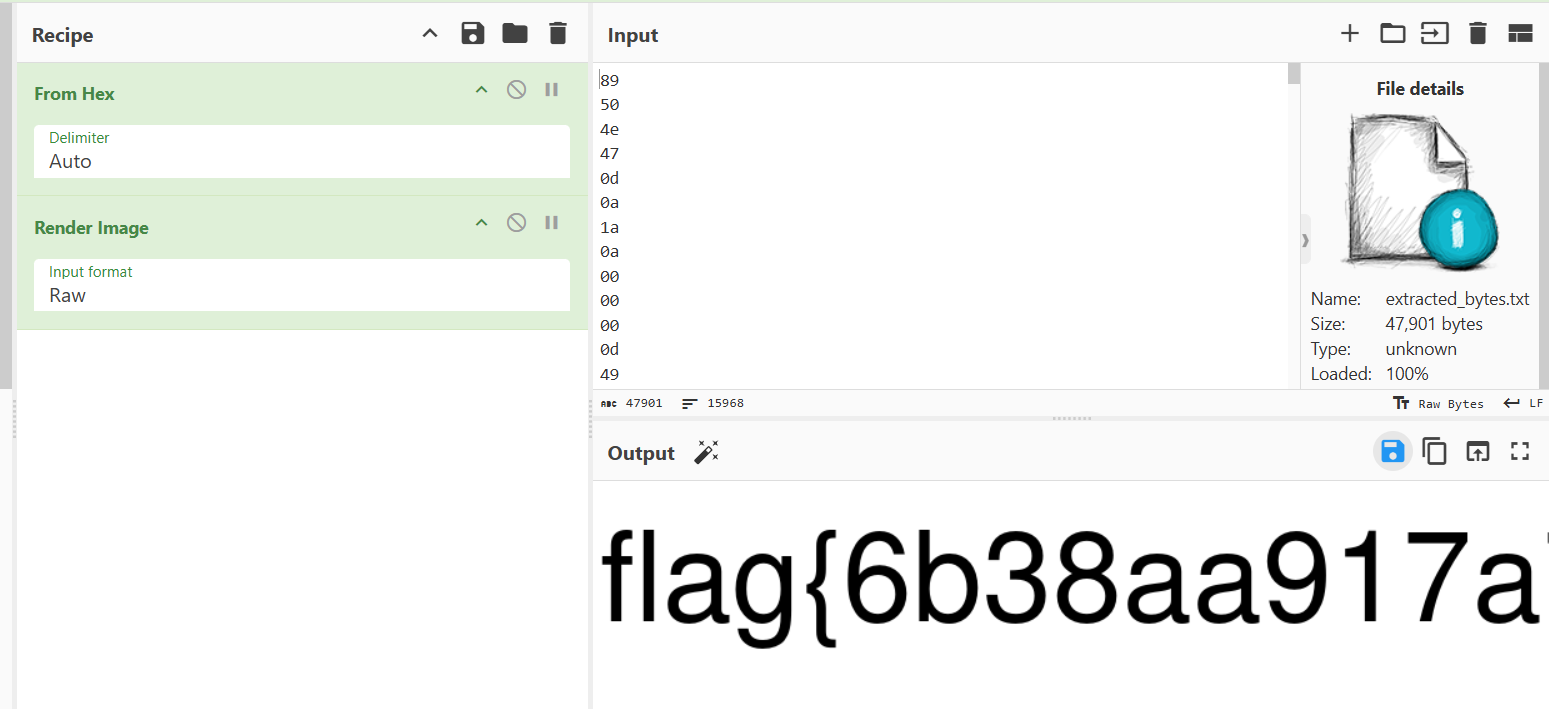
Once i uploaded that to Cyberchef, I obtained the flag
Flag is obtained
Full flag
Thus the flag is `flag{6b38aa917a754d8bf384dc73fde633ad}`